










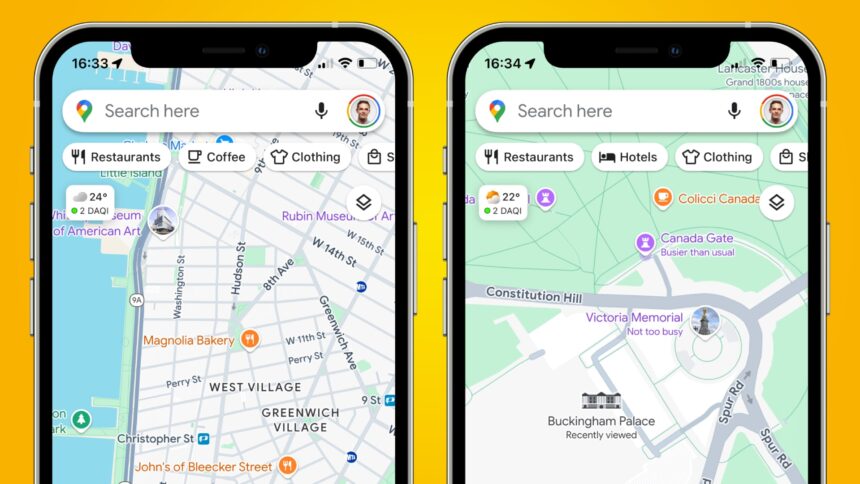
Google Maps has rolled out a new time-saving feature exclusively for iPhone users, aimed at enhancing the way people save and search for places. The latest update allows the app to automatically detect locations from screenshots taken on your iPhone and organize them in a dedicated list—eliminating the need to manually enter addresses or names of places.
How the New Screenshot Location Detection Works
Once your Google Maps app is updated to the latest version, here’s how to access and use the new feature:
- Open Google Maps and tap on the “You” tab at the bottom.
- You’ll see a new private list named “Screenshots.”
- Google will scan your photo gallery for images that include place names or addresses.
- The app will then suggest these locations as places you might want to save.
- You can either tap “Save” or “Don’t Save” based on your preferences.
This feature is especially useful for users who often take screenshots of interesting places from social media, websites, or messages and want to revisit them later.
Auto-Scan for Seamless Experience
For even more convenience, users can enable auto-scan by granting Google Maps access to their full photo library. With this setting turned on, every new screenshot with identifiable location data will be automatically scanned and added to the “Screenshots” list.
You also have the option to manually review and select images if you prefer more control and don’t want Google to access your entire gallery.